Seite 1 von 1
Sound teacher on networked drive
Verfasst: Mo 22. Jan 2018, 14:31
von astecme
Hi,
I have a Networked mirrored disk DS216. I have all my data on this drive but soundteacher cannot see it ... Drive Y. All my other applications have no problems. CAn you help please.
Thanks
Allan
Re: Sound teacher on networked drive
Verfasst: Di 23. Jan 2018, 10:28
von BEIER-Electronic Andy
Hello Allan,
is the problem at opening a project or opening a sound file?
Re: Sound teacher on networked drive
Verfasst: Di 23. Jan 2018, 12:08
von astecme
Andy it is both.
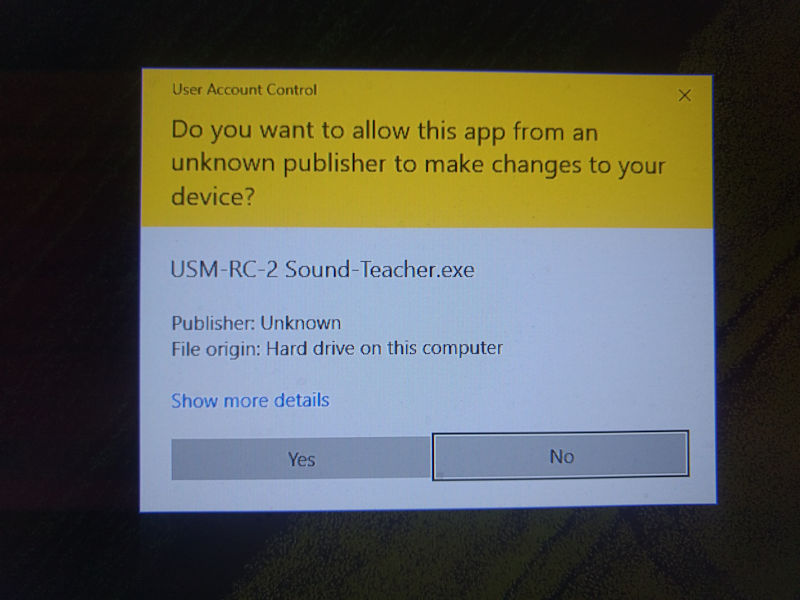
When I start sound teacher I do get a box with " Do you want this app from an unknown publisher to make changes to your hard drive blah blah user control blah" sorry I cannot screen shot it.
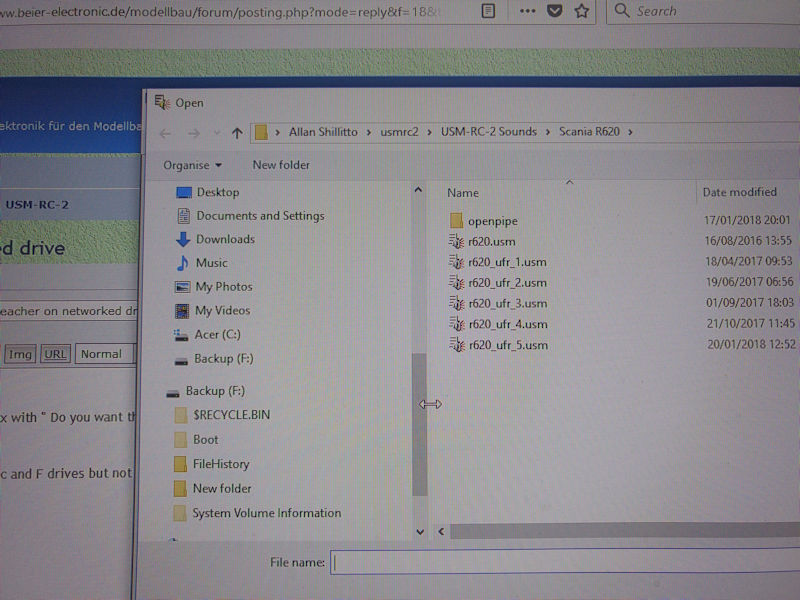
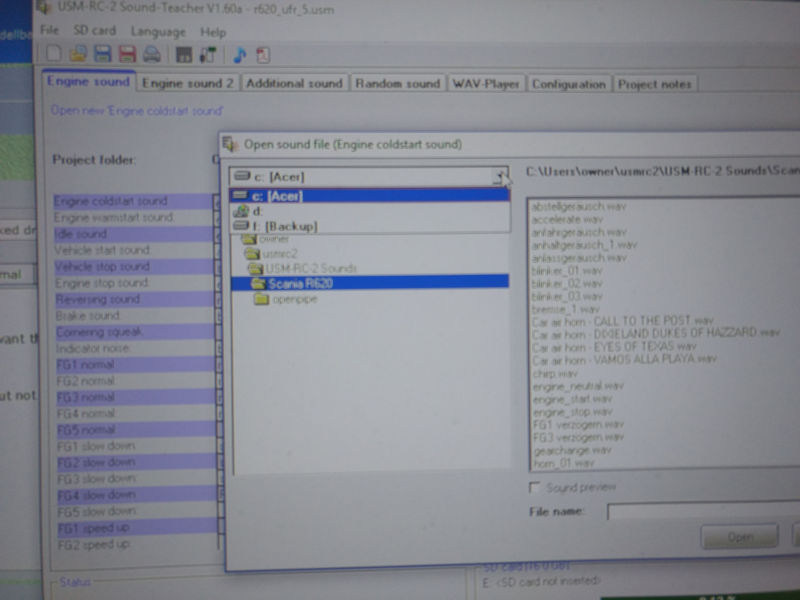
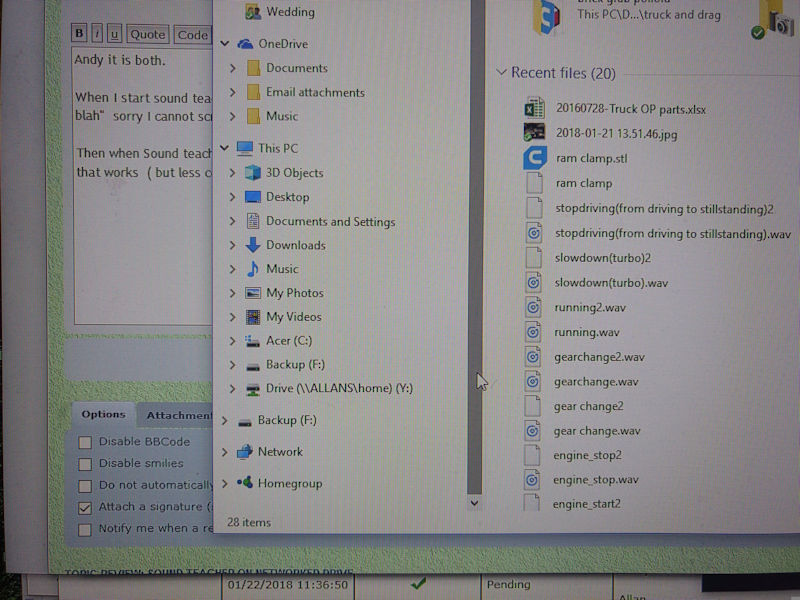
Then when Sound teacher runs I can see c and F drives but not Y, for both opening a project and loading a sound file. I copied the whole lot to C drive and that works ( but less convenient)
- IMG_20180123_105753337[1].jpg (77.77 KiB) 5032 mal betrachtet
- IMG_20180123_105817846[1].jpg (112.39 KiB) 5032 mal betrachtet
- IMG_20180123_105830246[1].jpg (69 KiB) 5032 mal betrachtet
Re: Sound teacher on networked drive
Verfasst: Di 23. Jan 2018, 12:08
von astecme
- IMG_20180123_105902407_BURST000_COVER_TOP[1].jpg (127.15 KiB) 5032 mal betrachtet
Re: Sound teacher on networked drive
Verfasst: Di 23. Jan 2018, 14:04
von BEIER-Electronic Andy
Ok, I think I know what's the problem is:
In windows 10, it's a bit complicated with network drives. Windows differentiate if the network drive (your "Y") was set up as admin or not.
If the network drive is
not created as admin (as your "Y"), then a program with admin rights does not see this network drive. The Sound-Teacher works by default with admin rights and therefore does not know your drive Y.
Possible solutions:
- Start the Sound-Teacher without admin rights. Right click on the icon -> Properties -> Compatibility -> uncheck Run this program as an adminstrator
- Don't use the network drive Y. You can also open projects and sound files over the network path "\\ALLANS\home\"
Re: Sound teacher on networked drive
Verfasst: Di 23. Jan 2018, 17:57
von astecme
Yes that works for access to the drive - I mean the \\ALLANS\ etc , I still get the yellow box query on start up.
Regards
Allan
Re: Sound teacher on networked drive
Verfasst: Mi 24. Jan 2018, 08:06
von BEIER-Electronic Andy
This is also a "problem" caused by the admin-thing: Right click on the Sound-Teacher icon -> Properties -> Compatibility -> uncheck Run this program as an administrator